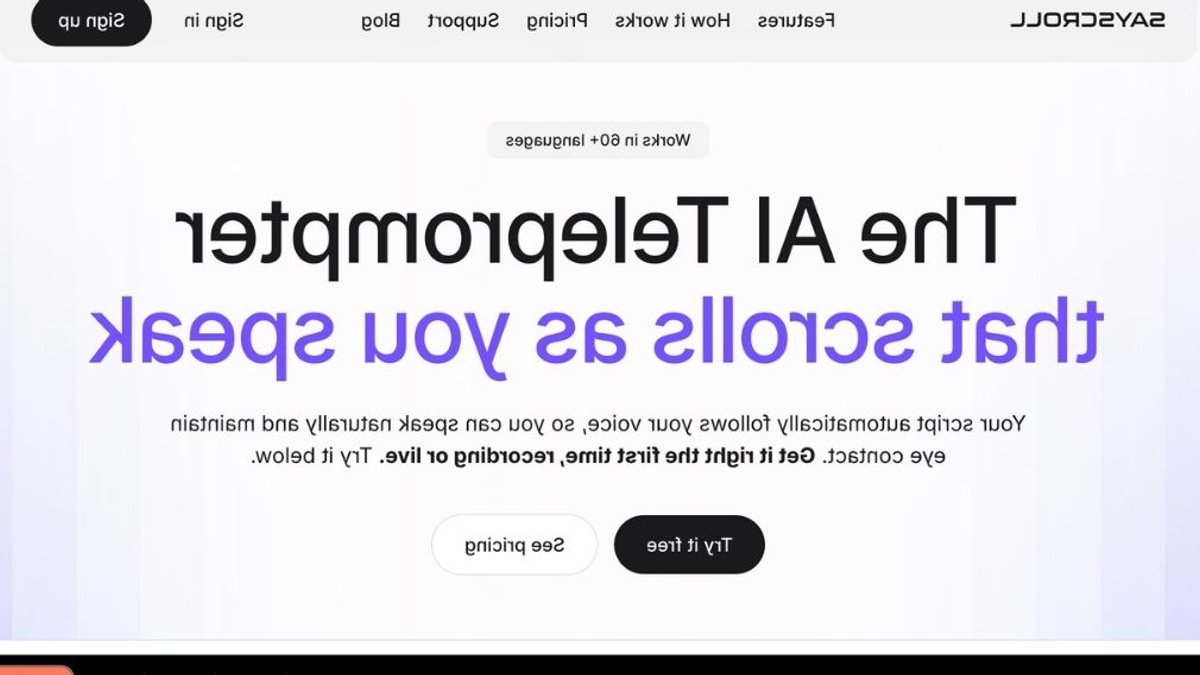
Sayscroll, a browser‑based AI teleprompter that syncs scrolling to a speaker’s voice, is marketed to creators, educators and business professionals seeking smoother presentations.
How the tool works
The platform runs in a web browser, so users do not install software. After uploading a script, it listens through the computer’s microphone and fades out words as they are spoken, keeping the current word centered on the screen.
When a presenter pauses, improvises or jumps to a different section, the system waits for the voice to return and then locks back onto the script without losing the place. This real‑time adjustment aims to reduce the need for manual cueing.
Supported languages exceed 60.
Mixing languages within a single document is possible; common options include English, Spanish, German and French, among many others.
Related: Почему онлайн-радио стало удобнее традиционного вещания
Customization and display options
Users can change text size, column width and alignment, choosing top/bottom or left/right layouts. Background colors are adjustable, and a fullscreen mode is available for larger displays.
Horizontal or vertical mirroring supports setups that rely on beam‑splitter screens, a typical arrangement for professional teleprompters.
Only the audio stream is transmitted while the script remains stored locally on the user’s device. After 15 seconds of silence the microphone pauses, and it stops listening when the script ends or the presentation mode is closed.
Pricing and subscription model
Sayscroll charges a usage‑based monthly subscription. The meter tracks active microphone time while the presentation mode is engaged.
Plans differ in allotted speaking minutes, with a Starter tier for occasional users, a Creator tier for moderate usage, and a Pro tier for heavy professionals. The first month of any plan is offered at a 50 % discount, and subscribers may cancel at any time while retaining any unused minutes until the billing cycle ends.
Related: Small Businesses Pay for Avoiding Hard Talks
All tiers allow unlimited script length and full language support. Higher levels provide more speaking time and access to the complete feature set.
Remote work and online learning continue to expand, allowing polished speech without extensive rehearsal and lowering barriers for smaller creators and larger enterprises alike.
Potential limitations
The service claims 99 % voice‑tracking accuracy, but performance can depend on microphone quality, speaker accent and background noise. Prospective users are encouraged to try the free demo, which accepts up to 600 characters without a subscription, to gauge suitability.
Infrequent speakers may find the Starter plan sufficient, while frequent presenters might consider higher tiers more cost‑effective. Decision‑makers should compare projected usage against the monthly hour limits to avoid unexpected charges.
Overall, Sayscroll positions itself as a voice‑controlled teleprompter that removes friction from both live and recorded speaking tasks. Its real‑time scrolling, multilingual support and web‑based deployment make it a notable option for anyone needing reliable cueing without the hassle of traditional hardware.